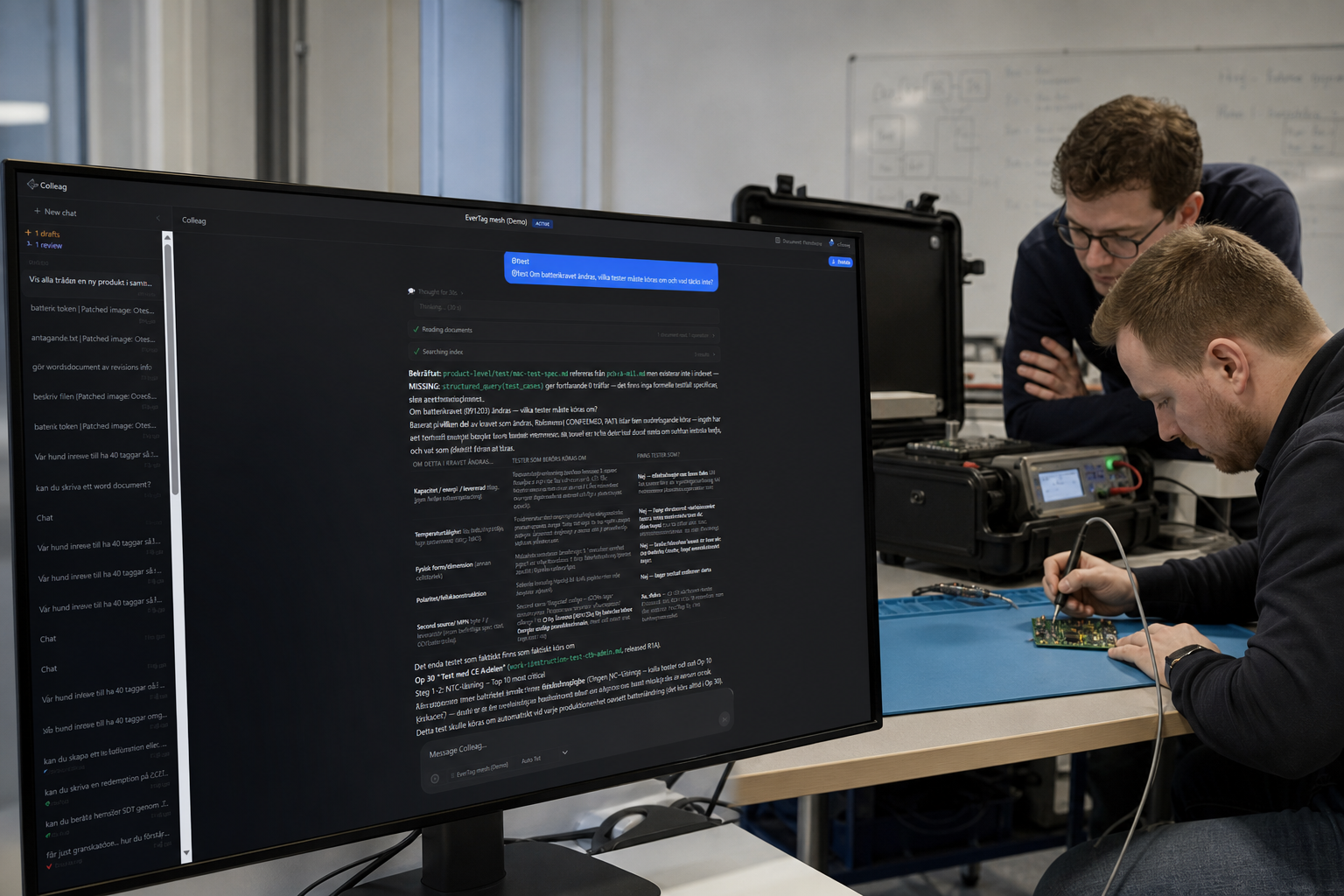
If the battery requirement changes, which tests must run again?
That is the question the test lead gets in the doorway. Not “do we have a test plan”. But: what is covered, what must be rerun, and what is missing entirely. Colleag.ai reads the requirement against the work instruction and the test spec. You get a list, not a feeling. You will recognise the lab that runs old cases while the new temperature class never made it into the protocol.
The test should follow the requirement the same week
The gap shows before lab time is booked
Coverage you can show
Key benefits
- Automatic requirement-to-test case mapping
- Coverage gap detection when requirements change
- Test plan drafts generated from requirement types and SOPs
- Real-time visibility into verification status
- Consistent test methodology across teams and projects
Read more
How do you keep the test plan in sync when a requirement changes in the product files, not in the test manager? Colleag.ai maps requirements to cases and flags the gap. ERP does not know coverage. PLM rarely links tests to requirements in prose. A project tool shows tests as backlog.
A requirement that changes in the product files rarely shows up in the test manager the same day. Colleag.ai maps requirements to test cases and flags the gap before anyone books lab time against the wrong spec.
ERP does not know coverage. PLM rarely links test prose to requirement prose. A project tool shows test as backlog. Here “which tests must be re-run” is an answer against the files, not a meeting.
How this differs from ERP, PLM, LCM and project systems
- ERP
- ERP has no requirement-to-test chain.
- PLM
- PLM can point at a test document. It does not say which requirement now has no case.
- LCM
- LCM does not know which tests died when the revision changed.
- Project management systems
- A test plan as a sprint is time. Coverage against requirements is Colleag.ai.
What Colleag.ai does here that those systems do not
- Gaps appear when the requirement changes
- Draft cases from requirement type and SOP
- Coverage visible to quality and the project