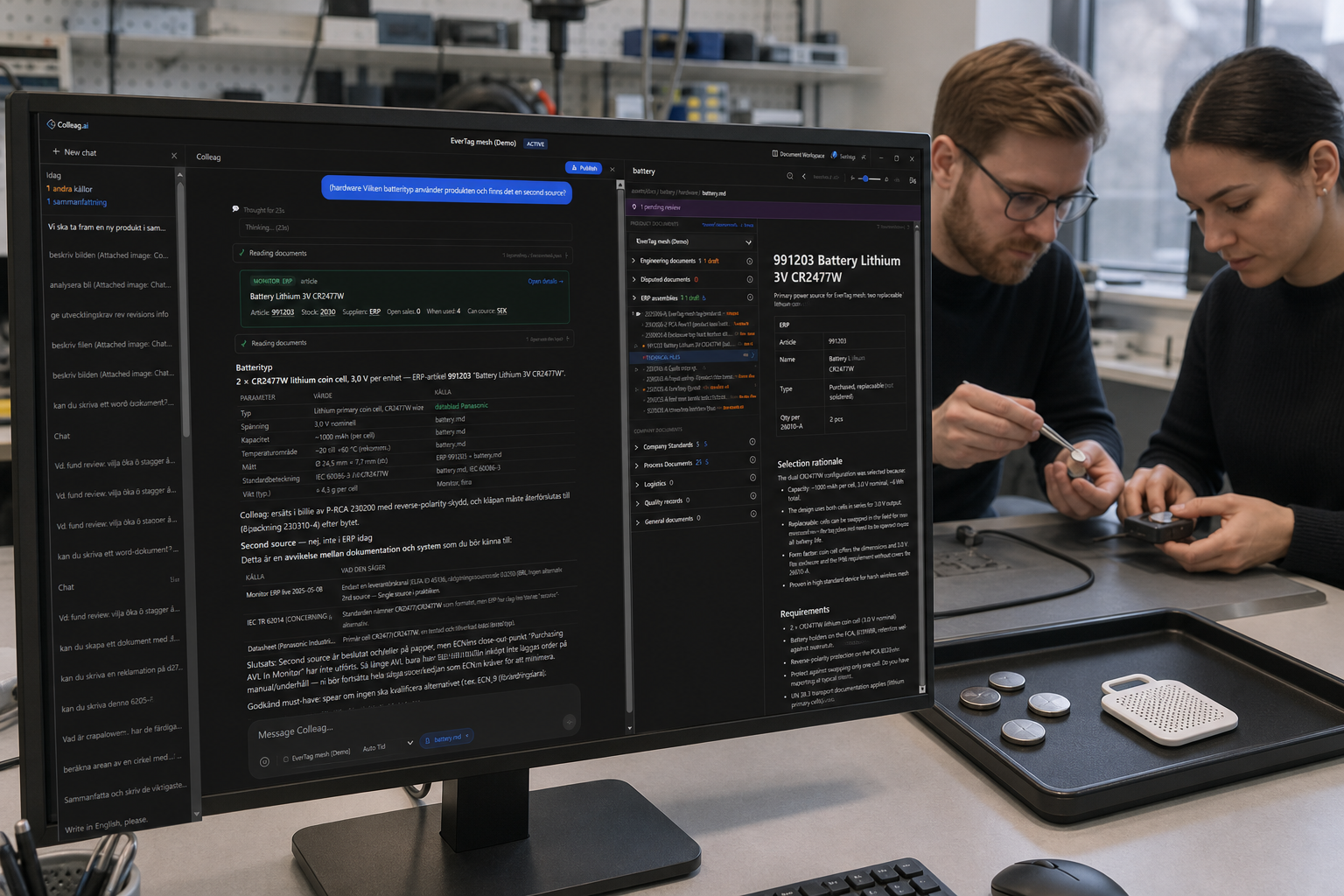
Pick the part against your product, not against a datasheet page.
Two cells can share the same voltage. One is already on your AVL. The other is cheaper but has a shorter life. Without that picture the choice is an email to purchasing and a gut feel. Colleag.ai puts lifecycle, alternatives and your process side by side. You will recognise the part that “worked in the prototype” and that nobody can buy when series production starts.
Choose the part against your product, not the catalogue
Lifecycle should show before you draw the part in
An alternative that is already allowed
Key benefits
- Unified view of lifecycle, cost, availability, and compliance data
- Automatic cross-referencing against your approved component lists
- Alternative suggestions with compatibility scoring
- Obsolescence risk flagging before components are selected
- Real-time pricing and stock data across major distributors
Read more
How do you pick a part with lifecycle, price and your approved list in one view? Colleag.ai puts Octopart, Monitor ERP and the product files into one choice. ERP has price and supplier. PLM has the AVL as a list. LCM has the EOL flag. None of them propose a substitute against your procedure.
Picking a part is rarely just the datasheet. It is lifecycle, price, the approved list and whether dual-source is required. Colleag.ai puts Octopart, live Monitor and the product files in one answer so purchasing and design are not comparing different truths.
ERP has price and supplier. PLM has the approved list as a list. LCM has the EOL flag. None of them propose a substitute against your procedure and draft the change.
How this differs from ERP, PLM, LCM and project systems
- ERP
- ERP has price and supplier. It does not know if the part is allowed in this design.
- PLM
- PLM has the AVL. It does not rank alternatives against form factor and your qualification.
- LCM
- LCM says the part is dying. It does not propose the four already used on other products.
- Project management systems
- A purchasing ticket waits for data. The data is already in Colleag.ai.
What Colleag.ai does here that those systems do not
- Lifecycle, cost and compliance in the same decision
- Alternates with compatibility, not a catalogue hit
- Your AVL and SOPs, not a generic recommendation