Sales
The pipeline in order
New deals and probabilities registered by writing to the colleague, instead of a spreadsheet updated before the meeting.
How you work it in Colleag
- 1
Write the deal to the colleague: customer, volume, value, probability, decision date.
- 2
The colleague registers it in the deal register and confirms.
- 3
Update with one line when things change.
- 4
Ask: what is in the pipeline for the quarter?
A worked example
“Add a new opportunity: 2,000 sensor units, about 1.2 MSEK, 40 percent probability, decision in March.”
The deal is registered straight from the message and confirmed with the interpretation. The pipeline then answers with weighted value per salesperson and period, and deals that have stalled are flagged.
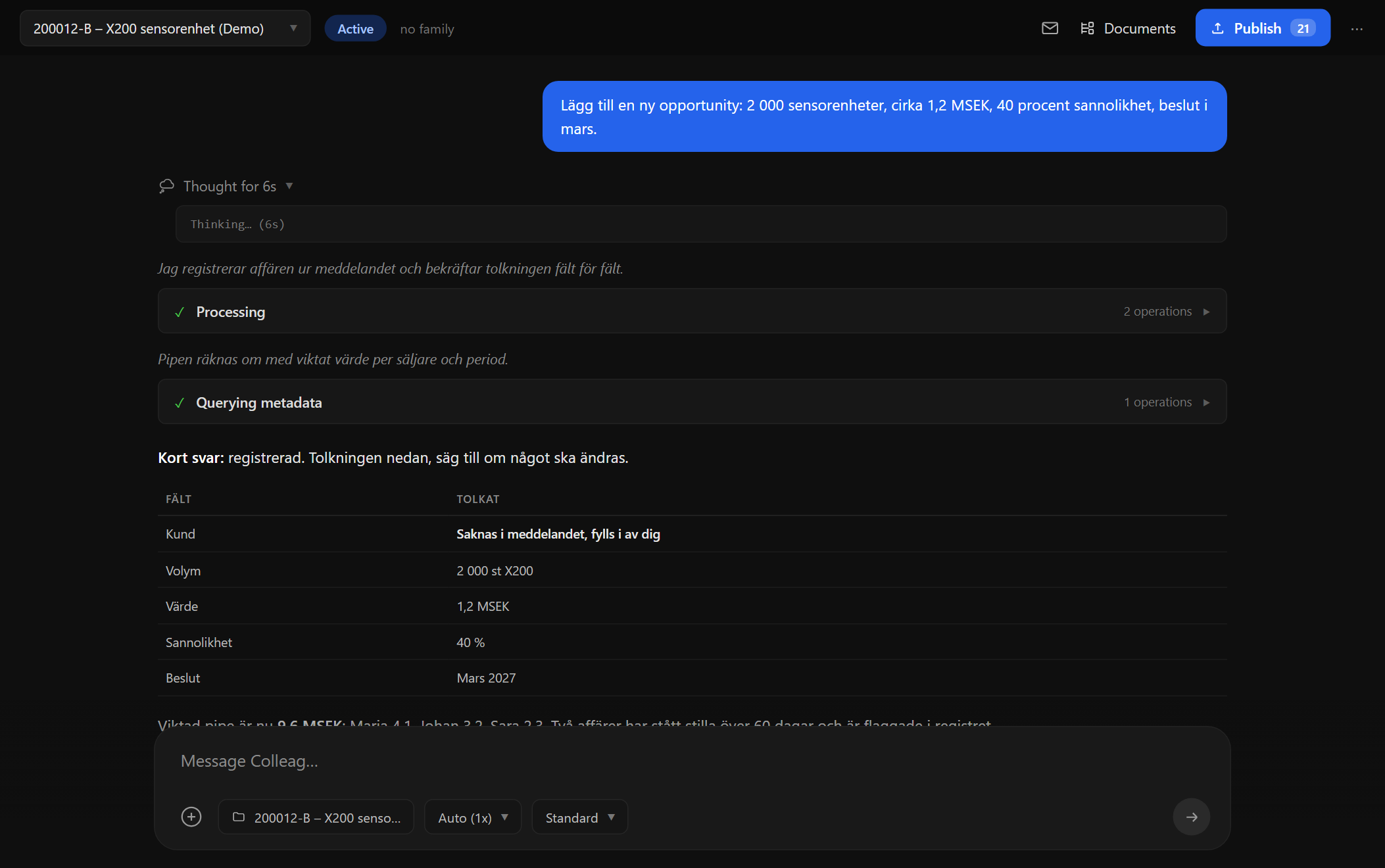
Screenshot from Colleag. The example uses invented figures.
The material
- Your deal register in the workspace
- The order intake for closed deals
- The history per customer
You approve
Everything the colleague produces is a proposal with sources. Nothing is published, sent or saved to the archive without a human approving it, and every figure traces to its material.
Curious what it feels like?
We run pilot programs with a few manufacturing companies at a time. Tell us about your business and we will show what the colleagues can do with your documents and your data.